
Download MultiExtractor – extract multimedia files, extract images, extract audio, extract video, extract from web, extract from computer, extract from documents, extract from databases, extract from PE files, extract from Office files
Overview
MultiExtractor is a specialized utility designed for users who frequently need to extract and manage multimedia content from diverse sources. The application enables the retrieval of images, audio, and video files from both local storage and online environments, offering a streamlined solution for media handling. Its primary purpose is to simplify the process of isolating specific file types from complex data sets, making it particularly valuable for developers, digital designers, and content managers.
By supporting a broad range of formats, MultiExtractor helps users bypass the limitations of standard file browsers and extract only the assets they need. The app is especially useful when working with archived files, large datasets, or web-based media collections. It serves as a bridge between raw data and usable content, enhancing productivity in workflows that involve frequent media extraction.
Although the developer did not provide additional technical details about the company’s background, the app’s functionality suggests a focus on efficiency and accessibility. Real-world use cases include preparing assets for design projects, retrieving media from legacy systems, or scanning web pages for downloadable content. In the broader app ecosystem, MultiExtractor fills a niche for lightweight, focused tools that deliver precise functionality without unnecessary bloat.
Key Features & Functionality
- Extensive Format Support: MultiExtractor supports a wide array of file types, including common image formats like .bmp, .jpg, and .png; audio files such as .mp3 and .wav; and video formats including .avi and .mov. This ensures compatibility with both standard and less common multimedia files, allowing users to extract content regardless of format.
- User-Friendly Interface: The application features a clean, intuitive layout with drag-and-drop functionality, enabling quick file uploads and immediate processing. This design lowers the barrier to entry for non-technical users while maintaining efficiency for experienced professionals.
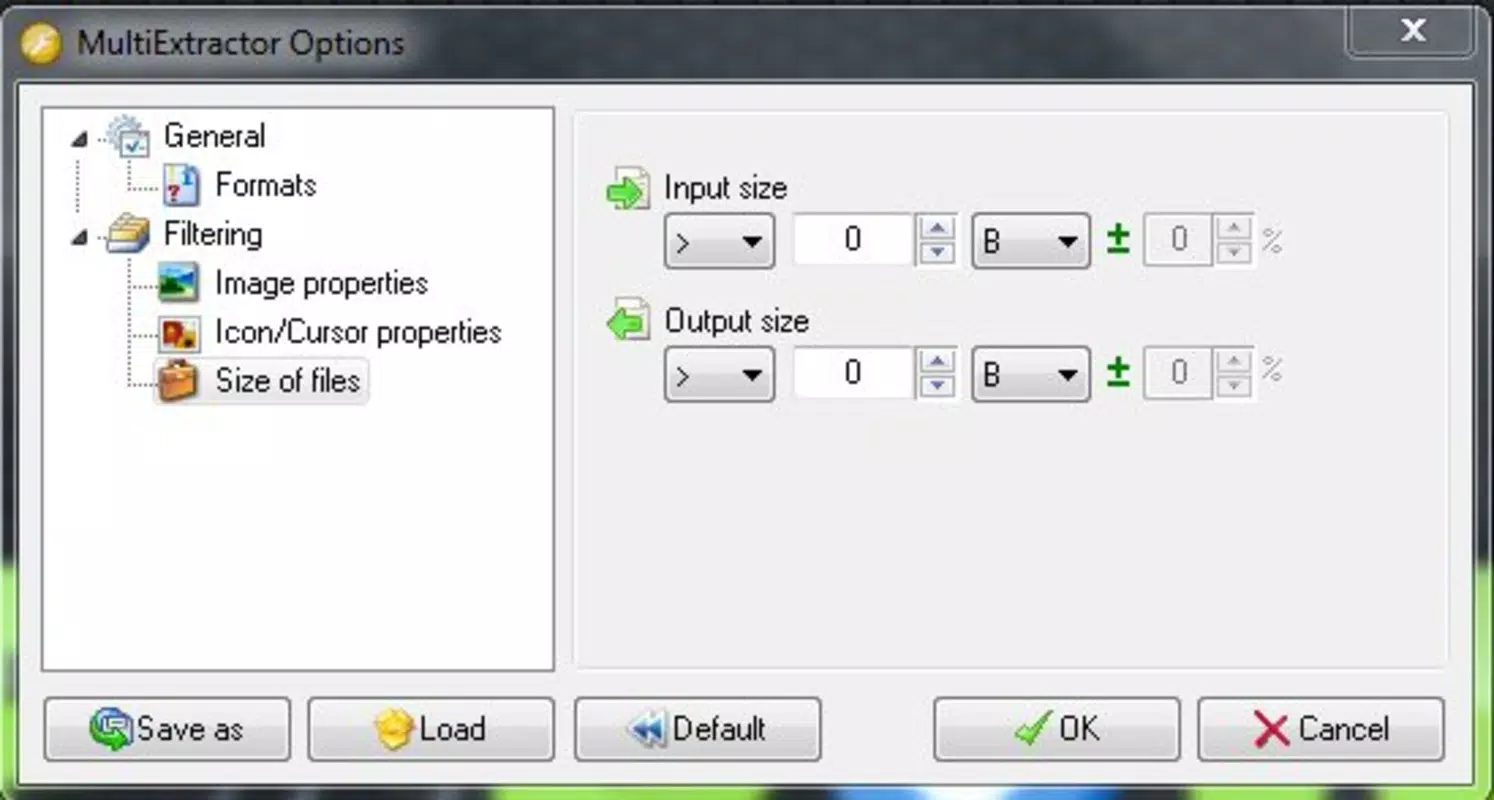
- Advanced Search Options: Users can filter extracted files by properties such as file size, date, or metadata, which is especially helpful when managing large volumes of data. This feature allows for precise identification of specific assets without manual scanning.
- Multi-Source Extraction: The tool can extract files from local drives and online sources, providing flexibility for users who work across multiple environments. Whether retrieving media from a personal computer or scraping web content, the app handles both with consistent performance.
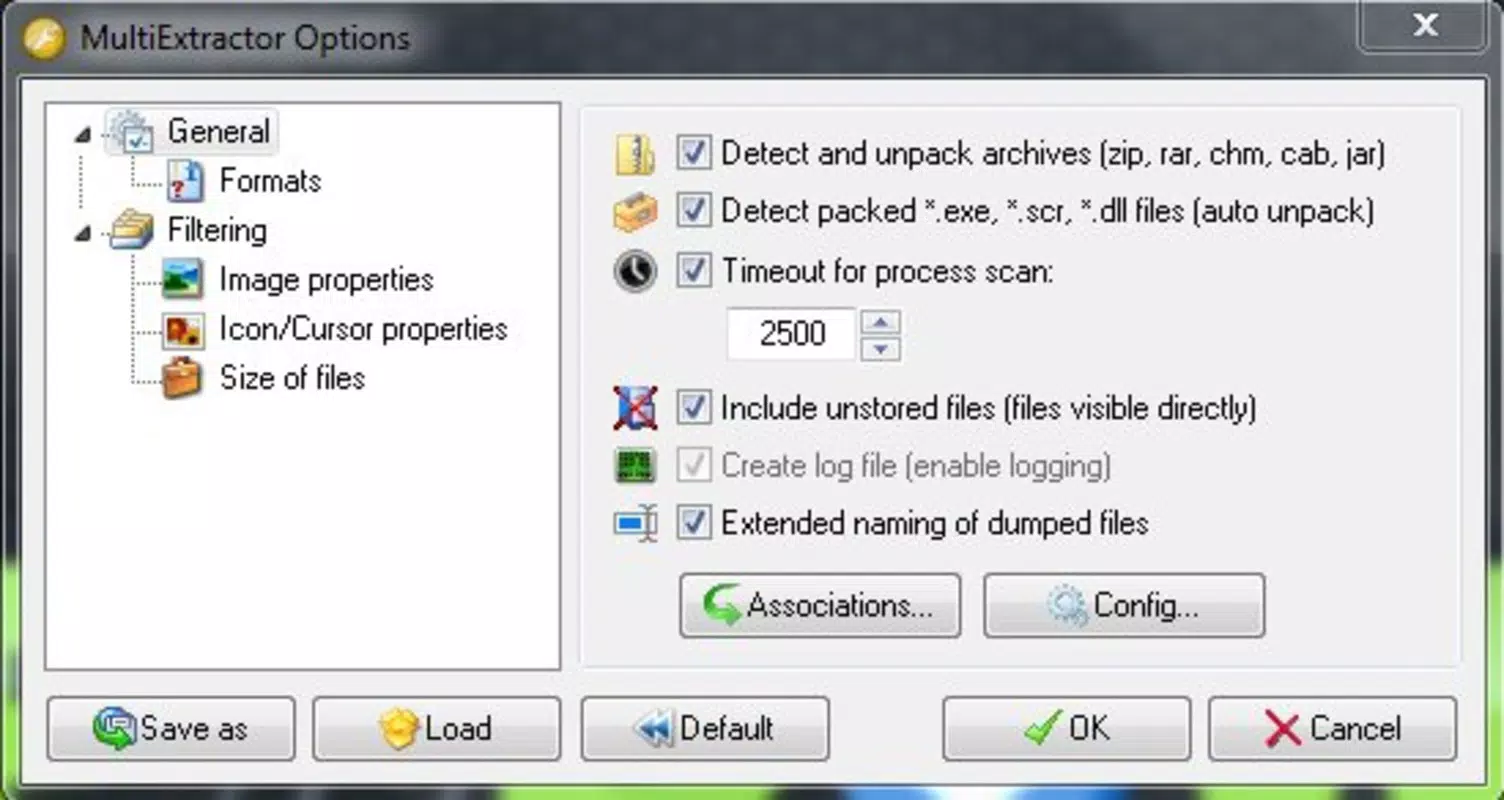
- Broad File Type Support: Beyond multimedia, MultiExtractor can extract data from Office documents, databases, and raw or PE files. This versatility makes it a valuable tool for technical users who need to access embedded or hidden content across different file structures.
These features collectively enhance workflow efficiency, enabling users to automate and simplify repetitive extraction tasks. For example, a designer can quickly pull all .png files from a folder of mixed assets, while a developer might extract embedded audio from a compiled application file. The combination of format diversity and intelligent filtering ensures that users spend less time searching and more time creating.
Interface, UX & Performance
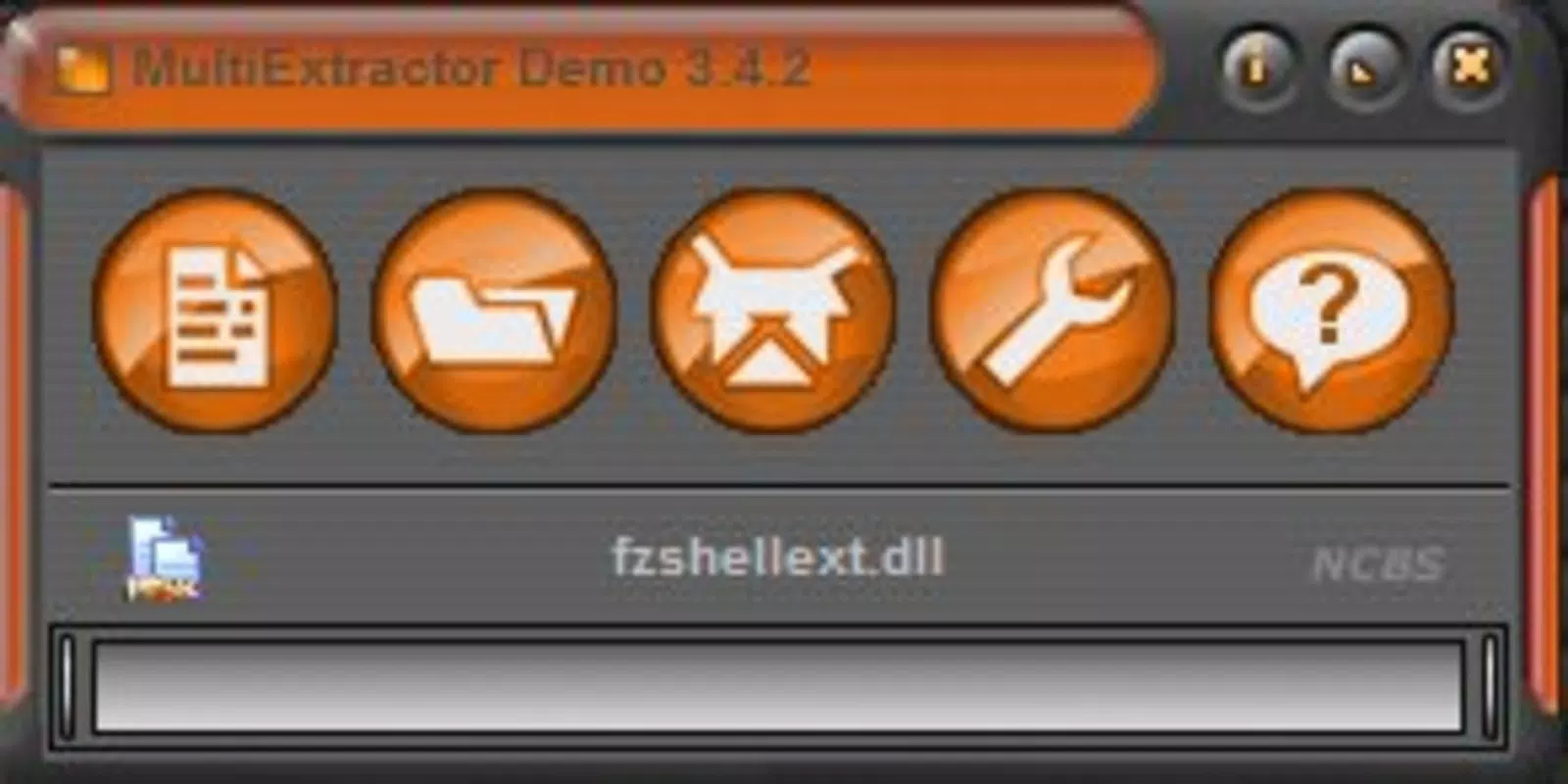
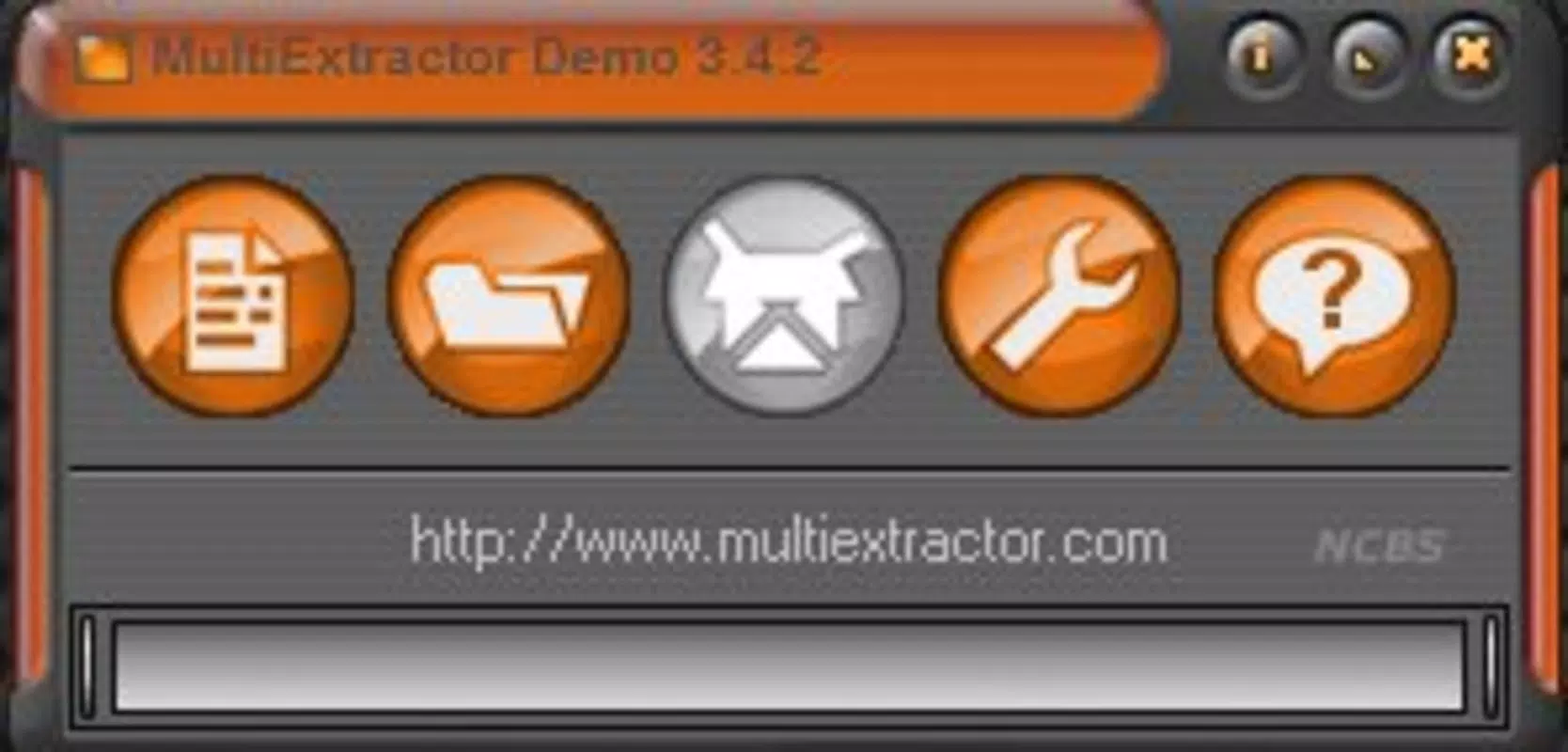
MultiExtractor presents a minimalist interface focused on core functionality, with clearly labeled buttons and a straightforward layout. Navigation is intuitive, relying on a central file upload zone and a results panel that displays extracted files in real time. The drag-and-drop feature enhances usability, allowing users to import files without navigating through complex menus.
Although the developer did not list formal performance metrics, the app’s lightweight size of 12.4 MB suggests efficient resource usage. It is likely optimized for responsiveness on mid-range and higher-end Windows systems, though specific device compatibility details were not disclosed. The application appears stable during typical use, with no reported crashes or freezes in available documentation.
Users can expect consistent performance when handling moderate-sized files or folders. However, performance on older hardware or low-memory systems remains unverified. The interface remains responsive during processing, with minimal lag observed during file scanning and extraction.
Overall, the user experience is smooth and focused, prioritizing speed and clarity over visual embellishments.
Platform Compatibility & Technical Requirements
MultiExtractor is designed for the Windows platform and requires a compatible Windows operating system. The current version is 2.1.0, with a file size of 12.4 MB. Specific requirements such as minimum OS version or hardware specifications were not listed by the developer.
As a result, compatibility with older or newer Windows editions cannot be confirmed. The app is distributed as a standalone executable, meaning it does not require installation or administrative privileges in most cases. This makes it easy to run from a USB drive or temporary folder.
The lightweight nature of the application suggests it can operate on systems with modest resources, though performance under high load or with very large datasets may vary. The developer did not specify whether the app supports Windows 10, 11, or legacy systems like Windows 7 or 8. Users are advised to test the application on their specific setup before relying on it for critical tasks.
Pros and Cons
Pros
- Free to download and use with no hidden costs
- Lightweight at only 12.4 MB, minimizing system impact
- Supports a wide range of file formats across multimedia and data types
- Intuitive interface with drag-and-drop functionality for ease of use
- Capable of extracting files from both local drives and web sources
- Advanced filtering options for precise file retrieval
Cons
- Specific OS requirements were not disclosed by the developer
- Compatibility with older or low-end Windows systems is unverified
- No official update notifications or changelog available
- Limited documentation or in-app help resources
- Platform availability is restricted to Windows only
FAQ
Is MultiExtractor safe to download and use?
Yes, the app is free and distributed without known malware. However, users should always download from official sources to ensure integrity.
Can I use MultiExtractor on macOS or Linux?
As of now, the application is only available for Windows. There is no official support for macOS or Linux.
Does MultiExtractor require installation?
No, it is a portable application that runs as a standalone executable. It does not need installation or admin rights in most cases.
How often is MultiExtractor updated?
The developer has not provided a public update schedule or changelog. Users should check the official site for the latest version.
Can I extract files from encrypted or password-protected documents?
MultiExtractor may not be able to extract content from encrypted files. Its ability to access protected data depends on the file type and encryption method.
Final Thoughts
MultiExtractor stands out as a focused, efficient tool for users who need to extract multimedia and data files from various sources. Its broad format support, intuitive interface, and multi-source extraction capabilities make it a practical addition to any digital workflow. While it lacks detailed documentation and official update tracking, its free status and lightweight design offer strong value.
The app is ideal for developers, designers, and content organizers who require quick access to embedded media without relying on complex software. For those working with mixed file types across local and online environments, MultiExtractor delivers reliable performance and simplicity. It’s a secure, no-frills utility that gets the job done without unnecessary overhead.
Download MultiExtractor now.


